Tracking
Q1. How do I know if my conversion tags are firing as expected?
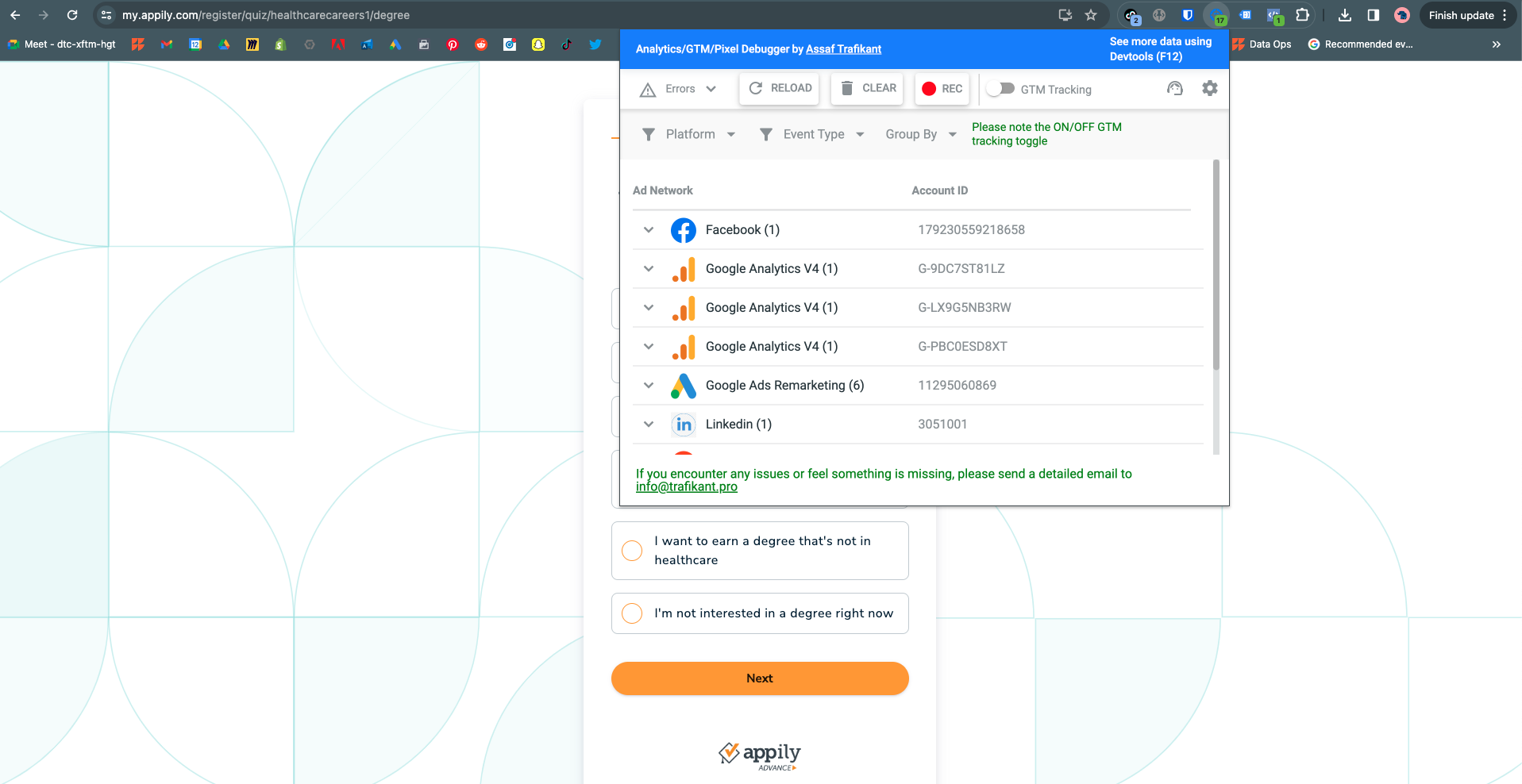
Install this Chrome extension: https://chromewebstore.google.com/detail/analyticsgtmpixel-debugge/canpneabbfipaelecfibpmmjbdkiaolf
This debugger tool shows you all tags that fire on a website. If you wanted to test a specific conversion tag to make sure it's firing as expected, perform the user action then check the Chrome extension to see if the tag fired.
In addition, if you want to view what tags are being received by the different ad platforms, you can install the Chrome extensions specific to these platforms. The links can be found here: https://thrive-digital.atlassian.net/wiki/spaces/Data/pages/1805025301/Google+Tag+Manager+GTM