Introduction & Overview
The purpose of this documentation is to bring awareness to how the Thrive data team works and how the pipeline team completes a successful onboard (thrivestack jobs, reports, etc.). By no means do you need to memorize this thing from beginning to end, but it is useful to be familiar with it.
We hope this documentation helps you understand how the config sheet works and know all the tricks and tips.
By the end of this guide, you will be able to.
-
Understand the purpose of the config sheet and all the different tabs
-
Check the timeframe available in your BigQuery data source/Looker Studio report
-
Map your goals
-
Set up custom fields
What is a config sheet?
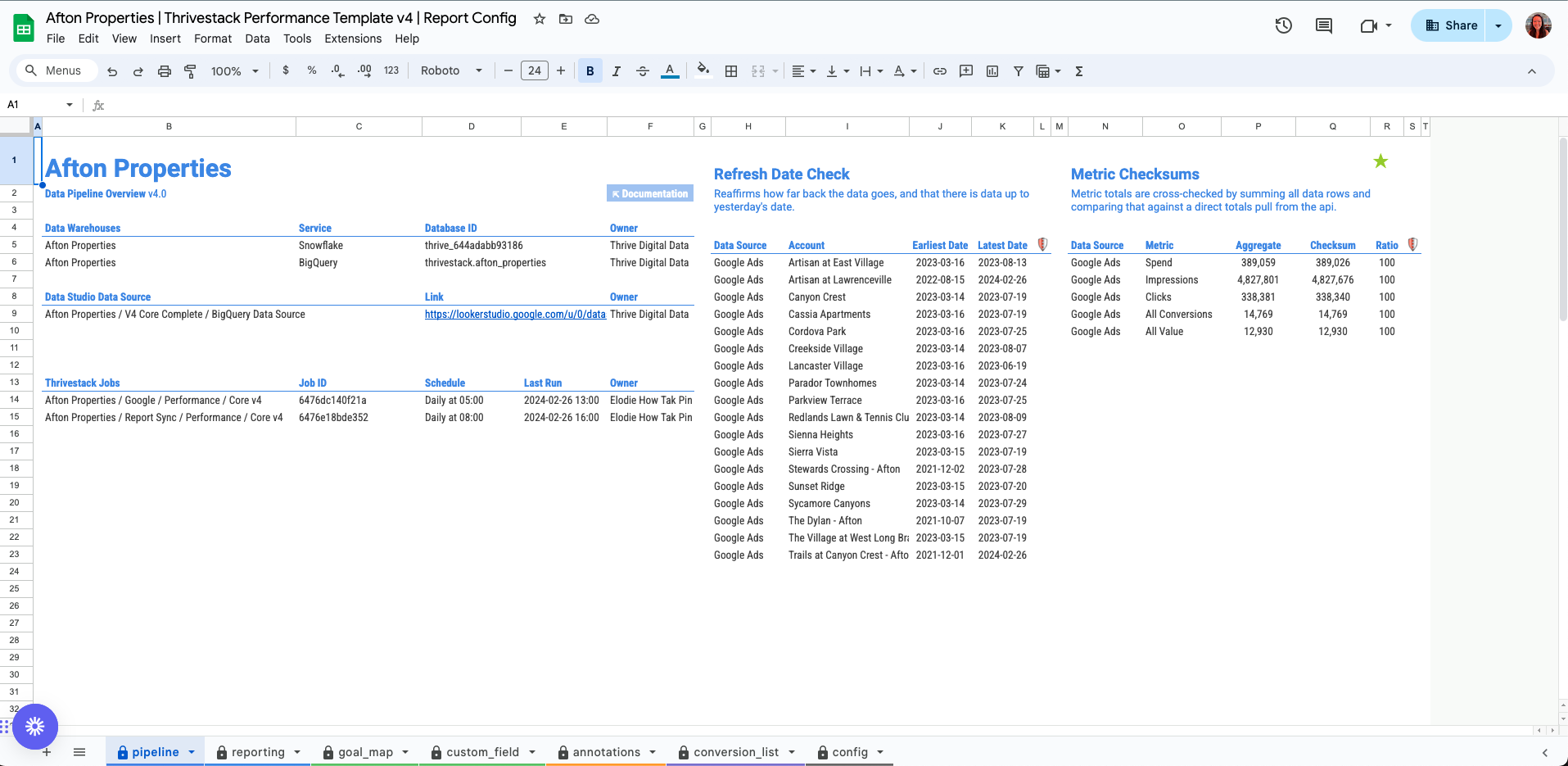
For each client, we have a Google Sheet that contains all the information about the client's data, reports, budget trackers, and links.
Usually the pipeline team builds these sheets for a new onboard. We have attached screenshots for each and every tab, so have a look.
The Config sheet for V3 or V4 has a similar number of tabs; each tab has a specific purpose and meaning.
:::tip Config registry
Bookmark the config registry:
The registry contains the links to ALL config sheets for all clients.
:::
V3 vs V4
You may hear the Data team reference V3 vs V4. This is for the Pipeline team to reference the update versions when transitioning databases. On the backend, there is a lot going on but it should be Business As Usual (BAU) for performance teams.
So how does this impact me?
You may see a mix of old vs new reporting for some client projects. On the front end, you will see little to no difference as we did our best to make the two databases compatible. You may see a difference in field names in your reporting, formatting updates to the config sheet, in comparison to V3 dashboards, config sheets, data sources.
At the end of the day, V3 and V4 terms are terms used by the Pipeline team to distinguish old vs updated databases. You should have no issues with any of your reporting.
For more information, feel free to reference this presentation: